BLUF: Agentic RAG is not a smarter chatbot skin. It is useful when a knowledge assistant must decide which source to query, call business tools, keep workflow state, ask for approval, and recover from missing evidence. If the task is a simple policy question answered from one indexed document set, classic RAG is usually cheaper, faster, and easier to evaluate.
The practical architecture question for German B2B teams is therefore not “Should we add agents to RAG?” but “Which parts of the knowledge workflow require controlled action?” In most production systems, the answer is narrower than vendors suggest: multi-hop retrieval, tool selection, permission-aware lookup, ticket or CRM updates, and human approval for state-changing steps.
Where classic RAG is still the right answer
Classic RAG works well when the user asks a bounded question, the answer sits in a curated knowledge base, and the system can retrieve relevant chunks in one pass. A support bot that answers warranty rules, a sales assistant that cites product documentation, or an internal policy assistant can often stay with conventional retrieval, re-ranking, grounded prompting, and good source citations.
Google Cloud’s RAG guidance is a useful baseline: the quality problem is mostly retrieval quality, chunking, hybrid search, re-ranking, grounded generation, and measurement across metrics such as groundedness, safety, instruction following, and question-answering quality. Those controls remain mandatory even when the system becomes agentic.
When a knowledge bot needs tools and workflow state
Move from classic RAG to Agentic RAG when at least one of these conditions is true: the question must be decomposed into multiple retrieval steps; the bot must choose between document search, SQL, ticket search, inventory APIs, or external systems; the answer depends on conversation or case state; the user expects an action, not only an answer; or the system must stop for human approval before changing business records.
AWS describes Agentic RAG in Amazon Q Business as a coordinated process that analyzes the user question and conversation history, selects retrieval tools, decomposes complex questions, triggers multiple retrieval operations, asks disambiguating questions, checks response quality, and preserves permissions and citations. That description captures the operational difference: retrieval becomes one tool inside a managed workflow, not the whole application.
Decision matrix: classic RAG vs Agentic RAG
| Use case | Better fit | Reason |
|---|---|---|
| Single policy answer with citations | Classic RAG | One retrieval pass plus re-ranking is usually sufficient and cheaper. |
| “Compare this customer’s SLA, open tickets, and contract terms” | Agentic RAG | The system needs document retrieval, ticket search, CRM lookup, and synthesis. |
| “Create a draft response and route it to support lead approval” | Agentic RAG | The workflow has state, role-based approval, and a downstream action. |
| Regulated or high-impact decision support | Agentic RAG with strict controls | Tool use must be logged, evidence must be preserved, and humans may need to approve outputs. Treat legal classification separately with counsel. |
| FAQ bot on public documentation | Classic RAG | Agent orchestration adds latency and failure modes without enough benefit. |
Reference architecture: a controlled Agentic RAG loop
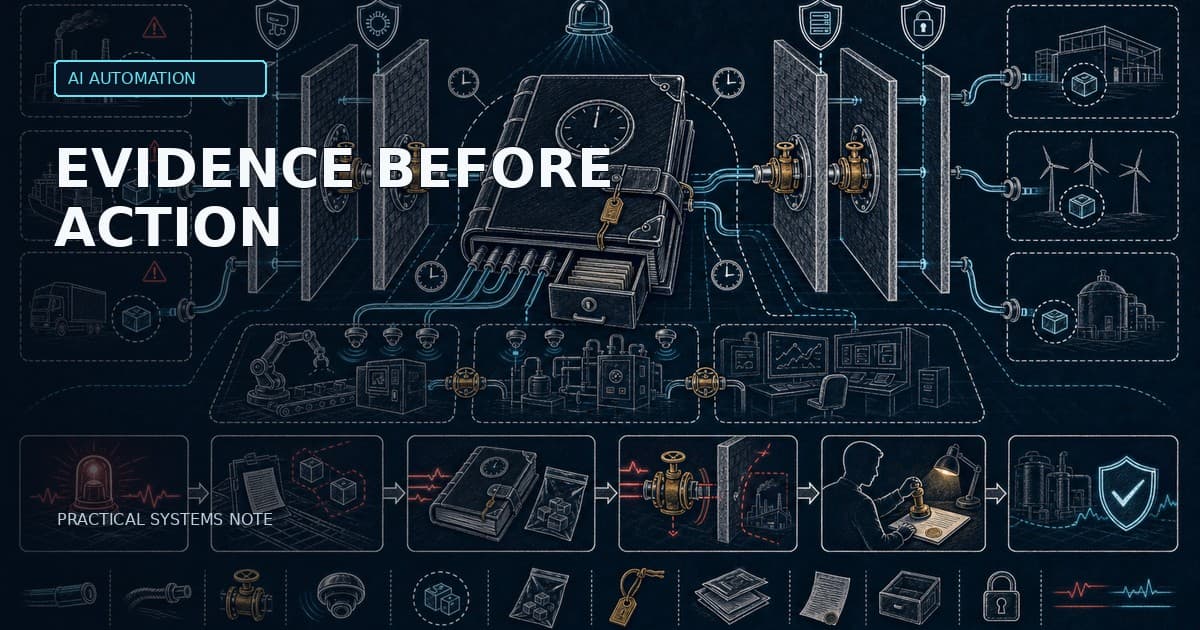
A production-grade Agentic RAG system should separate five responsibilities: retrieval, reasoning, tool execution, workflow state, and oversight. Do not hide all five inside one prompt. The more a system can affect customers, invoices, service tickets, or compliance artefacts, the more explicit the boundaries should be.
Text diagram: User request → intent classification → retrieval planner → permission-aware retrievers → evidence pack → answer draft → critic/evaluator → tool decision → approval gate if state changes → action execution → audit log → user response.
The retrieval planner decides whether to use vector search, keyword search, SQL, a ticketing API, a product database, or long-context document reading. The evidence pack stores retrieved passages, IDs, scores, timestamps, user permissions, and failed searches. The critic checks whether the evidence actually supports the answer. The workflow engine stores current task status, retries, approval state, and execution result.
Why workflow state matters
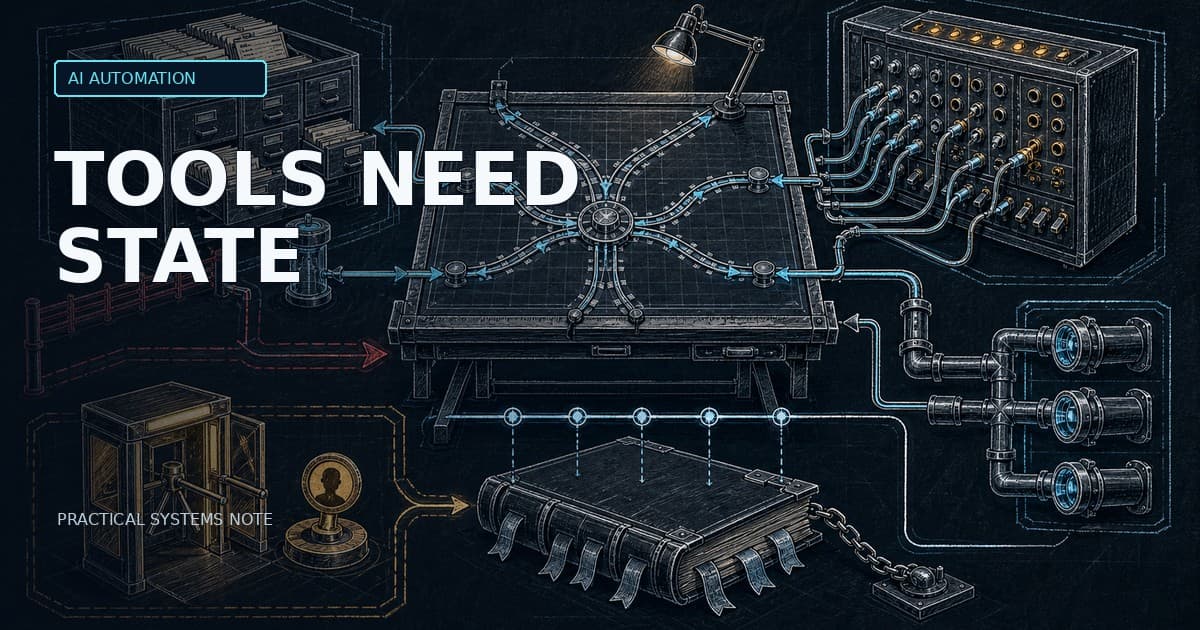
Stateless knowledge bots fail quietly. They answer the current prompt but lose the trail: which contract version was used, whether the customer record was updated, whether the human reviewer changed the draft, and whether the same incident already has an open ticket. Workflow state is the difference between an impressive demo and a system an operations team can trust.
LangGraph is one example of a runtime built for this class of system. Its documentation focuses on durable execution, persistence, human-in-the-loop, memory, tracing, and evaluation. The principle is more important than the framework: state must be explicit, recoverable, inspectable, and testable.
Implementation checklist for B2B teams
1. Define the smallest valuable workflow. Start with one process such as support triage, technical sales assistance, compliance evidence retrieval, or incident postmortem drafting. Avoid broad “company knowledge bot” scopes.
2. Split read actions from write actions. Reading a policy document and updating a customer record have different risk profiles. The second needs stronger permissions, approval gates, audit logs, and rollback handling.
3. Build the retrieval baseline first. Measure chunk quality, hybrid search, re-ranking, answer groundedness, citation quality, and “no answer” behavior before adding tools.
4. Add tools only where they remove manual work. Good tools are narrow: search tickets by customer ID, fetch contract metadata, create a draft ticket, route for approval, or write a note after human confirmation.
5. Store state outside the prompt. Keep workflow status, evidence IDs, tool inputs, tool outputs, approval decisions, costs, latency, and errors in a database or durable orchestration layer.
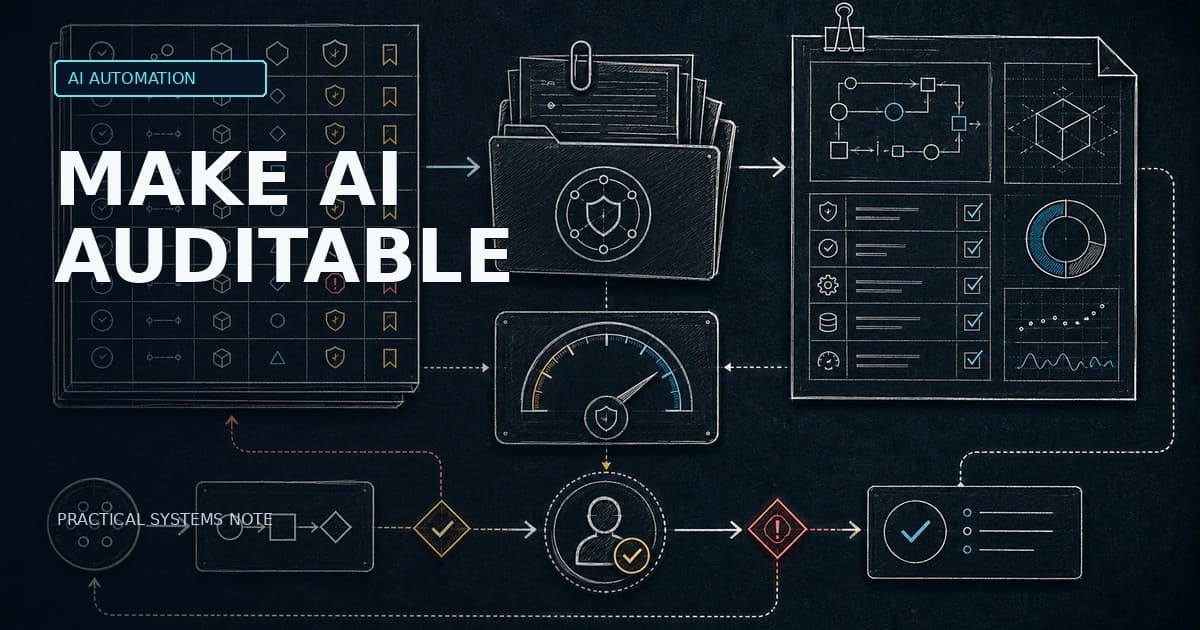
6. Evaluate complete tasks, not only answers. Track task success rate, groundedness, citation correctness, tool-call accuracy, escalation rate, cost per completed case, latency, and human correction rate.
Failure modes to design for
Agentic RAG adds new failure modes: the planner may choose the wrong tool, retrieval can find plausible but irrelevant evidence, a tool may be called with stale state, a permission boundary can be crossed by accident, or the system may retry until latency and cost are no longer acceptable. More autonomy means more observability, not less.
The safest default is a bounded autonomy model: the system can retrieve, draft, compare, classify, and prepare actions. It can execute low-risk actions automatically only after evals show stable performance. It should request human approval before customer-visible, financial, contractual, or compliance-relevant changes.
Cost and latency trade-offs
Agentic RAG often improves completeness on complex questions, but the cost profile changes. Multiple retrieval passes, re-ranking, critics, tool calls, and retries increase latency. AWS explicitly notes that Agentic RAG responses can take longer because multiple retrieval operations may be required. For internal operations, that delay may be acceptable. For customer-facing chat, it may require progressive responses, background tasks, or a fallback to classic RAG.
A practical 30-day rollout
Week 1: choose one workflow, map data sources, define read/write boundaries, and build a golden dataset of 50–100 real questions or cases. Week 2: implement classic RAG with citations and baseline metrics. Week 3: add one or two tools plus explicit workflow state and human approval. Week 4: run offline evals, supervised live tests, cost analysis, and a decision review before expanding scope.
What I would build first
For most German B2B teams, the first useful Agentic RAG project is not a general knowledge bot. It is a controlled assistant for one repeatable operational workflow: support triage, technical tender response, service incident research, or compliance evidence preparation. The system should retrieve evidence, draft a recommendation, show confidence and missing data, and route the final action to a human.
Sources
AWS documents Agentic RAG as a workflow that decomposes complex queries, selects retrieval tools, maintains conversation context, checks response quality, retries or asks disambiguating questions, and preserves permissions and citations: https://docs.aws.amazon.com/amazonq/latest/qbusiness-ug/agentic-rag.html
Google Cloud describes RAG as grounded generation that combines retrieval systems with LLMs, and emphasizes hybrid search, re-ranking, groundedness evaluation, safety, instruction following, and RAG Ops metrics: https://cloud.google.com/use-cases/retrieval-augmented-generation
LangGraph documents the operational capabilities needed for stateful agents: durable execution, persistence, human-in-the-loop interrupts, memory, tracing, and evaluation: https://docs.langchain.com/oss/python/langgraph/overview
Dong et al., RAG-Critic (ACL 2025), reflects the research direction toward critic-guided, iterative agentic RAG workflows rather than single-pass retrieval: https://aclanthology.org/2025.acl-long.179/
Need help choosing the right architecture?
Ade Christanto helps B2B teams design AI automation that survives production constraints: retrieval quality, tool boundaries, workflow state, evaluation, human approval, and cost control. If your knowledge bot is starting to need tools, approvals, or reliable state, the architecture should be reviewed before the prototype becomes operational debt.