BLUF
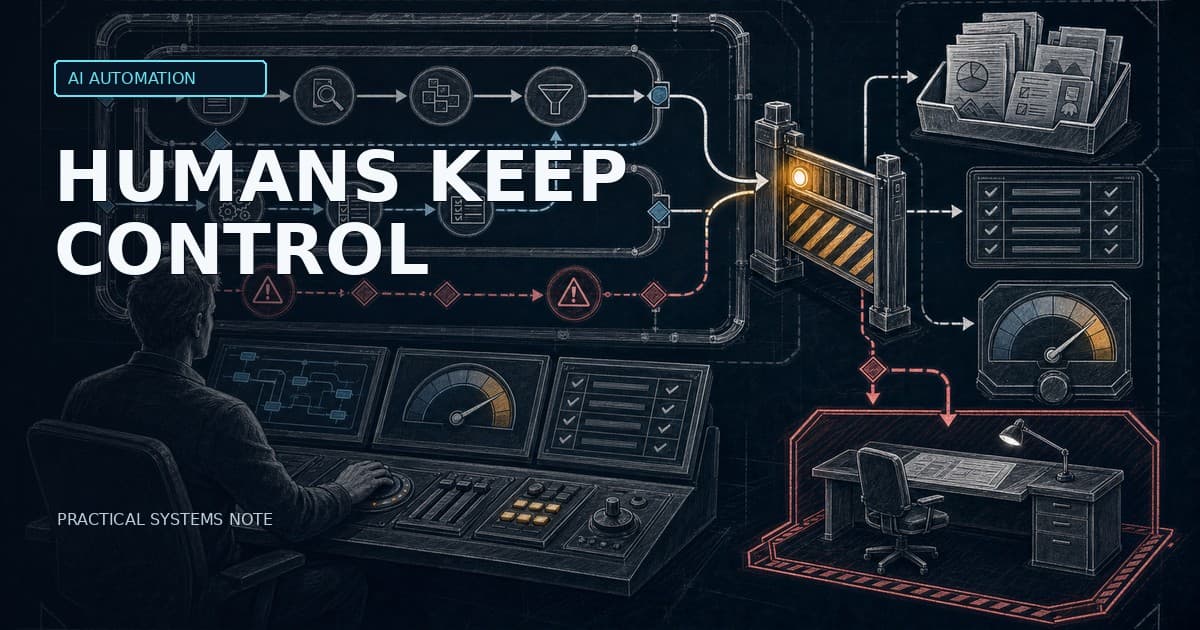
Human-in-the-loop is not a checkbox where a person occasionally clicks “approve”. In production AI automation, it is a control architecture: the system must know which actions need approval, what evidence the reviewer sees, how decisions are logged, when results are escalated, and which metrics prove the workflow is improving.
AI agents become risky when they can act: update a CRM record, send a customer-visible answer, create a ticket, approve a document, trigger a workflow, or modify production data. The solution is not to block all automation. The solution is to design approval gates, audit logs, evaluation loops, and clear authority boundaries from the beginning.
Why human-in-the-loop is often implemented badly
Many teams implement human-in-the-loop too late in the workflow. The agent already generated the output, chose the tool, executed most of the workflow, and then asks a human to confirm something that is hard to inspect. That is not oversight. It is delayed accountability.
A useful human-in-the-loop design answers five questions:
| Question | Production requirement |
|---|---|
| --- | --- |
| Which actions need review? | A risk classification rule before execution |
| What does the reviewer see? | Evidence, sources, proposed action, confidence, risk reason |
| What can the reviewer do? | Approve, reject, edit, escalate, request more evidence |
| What is logged? | Input, tool proposal, reviewer, timestamp, action, result, override reason |
| What improves over time? | Evals, escalation rate, override rate, cost, latency, incident rate |
If the reviewer only sees an LLM answer and an approve button, the system is not controlled. It is just shifting responsibility from the model to a human who may not have enough context.
The five control layers
Human-in-the-loop needs a system design, not a UI modal. The minimum control architecture has five layers:
| Layer | Purpose | Failure if missing |
|---|---|---|
| --- | --- | --- |
| Risk classification | Decide which actions need review | Critical actions are automated silently |
| Approval gate | Pause before risky execution | Humans see outcomes after damage is done |
| Evidence packet | Give reviewer context | Reviewers rubber-stamp blind output |
| Audit log | Store action, input, evidence, approver, timestamp | No traceability or post-incident analysis |
| Eval loop | Measure quality and drift | System appears stable while degrading |
This is where many proof-of-concepts fail. They show that an agent can call tools, but they do not show who is responsible when the wrong tool is called, which data was used, or how the organisation learns from errors.
Approval gates: where to pause the agent
Approval gates belong before actions that are hard to undo, visible to external parties, or relevant for compliance. Common examples:
- sending customer-visible messages,
- modifying CRM, ERP, ticketing, or production records,
- triggering operational workflows,
- creating or approving financial documents,
- making HR, legal, safety, or security-relevant recommendations,
- executing infrastructure changes,
- escalating or closing incidents automatically.
LangGraph’s interrupt mechanism is a useful engineering pattern here. The official documentation describes interrupts as a way to pause graph execution at specific points, save state through checkpointing, wait for external input, and resume with `Command(resume=...)`. The important production detail is that the workflow needs durable checkpointing and a stable `thread_id` so the system can resume the same run rather than starting a new one.
There is also a subtle failure mode: code before an interrupt can run again when the node resumes. That means side effects before the approval gate must be idempotent. Use upsert-like behavior, stable run IDs, and backend execution locks instead of naive inserts or duplicate external calls.
What the reviewer must see
A reviewer should not approve an agent’s recommendation in isolation. The approval screen should show an evidence packet:
| Evidence item | Why it matters |
|---|---|
| --- | --- |
| Agent recommendation | Shows the proposed action |
| Exact tool call or system write | Shows what will happen if approved |
| Source documents or retrieved context | Allows source-level inspection |
| Confidence or evaluation score | Helps prioritise review effort |
| Risk reason | Explains why approval is required |
| Affected customer/system/process | Makes operational impact visible |
| Permission scope | Shows what the agent is allowed to touch |
| Reviewer actions | Approve, reject, edit, escalate, request more evidence |
This is where human-in-the-loop becomes operationally useful. The human is not a decorative safety layer. The human is a decision-maker with the information and authority to stop, modify, or escalate the workflow.
Logs: what to record for every agent action
For production AI agents, audit logs are not optional. They are how teams diagnose failures, improve prompts and tools, prove what happened, and decide whether automation can safely expand.
At minimum, record:
| Field | Why it matters |
|---|---|
| --- | --- |
| Run ID / thread ID | Links all steps in one workflow |
| User or system trigger | Shows why the workflow started |
| Input and retrieved sources | Enables root-cause analysis |
| Model, prompt version, tool version | Makes behavior reproducible enough to debug |
| Tool call proposal | Shows intended action before execution |
| Risk classification | Explains why review was or was not required |
| Approver identity and timestamp | Creates accountability |
| Final action and result | Shows what happened in the system |
| Override / rejection reason | Feeds evaluation and improvement |
| Cost and latency | Shows operational economics |
The EU AI Act reinforces this engineering direction for high-risk AI systems. Article 12 concerns record-keeping and says high-risk AI systems must technically allow automatic recording of events over their lifetime. Even when a workflow is not high-risk, the technical principle is useful: if the system can act, the organisation needs traceability.
Evals: the metrics that matter in production
A production agent should not be judged by demo quality. It should be judged by operational metrics.
| Metric | What it shows |
|---|---|
| --- | --- |
| Task success rate | Did the workflow complete the intended business outcome? |
| Escalation rate | How often does the agent need human help? |
| Human override rate | How often do reviewers change or reject the recommendation? |
| False approval rate | How often were approved actions later judged wrong? |
| Evidence completeness | Did the agent provide enough support for its recommendation? |
| Cost per successful task | Real economics, not just token cost |
| Median and p95 latency | Whether the workflow fits operations reality |
| Rollback or incident rate | How often automation creates downstream repair work |
The strongest metric is often not “accuracy”. It is **cost per successful task with acceptable risk**. A workflow that is 92% accurate but needs review for 80% of cases may still be useful. A workflow that is 98% accurate but creates one expensive untraceable incident may not be acceptable.
EU AI Act implications
The European Commission describes the AI Act as a risk-based framework. High-risk use cases include areas such as critical infrastructure, education, employment, access to essential services, law enforcement, migration, justice, and certain biometric uses. High-risk systems are subject to strict obligations, including logging, documentation, information to deployers, human oversight, robustness, cybersecurity, and accuracy.
Article 14 focuses on human oversight. The engineering implication is straightforward: oversight must be built into the system interface and workflow, not added later as a policy document. Reviewers need the ability to understand, intervene, and stop or modify use where appropriate.
This article is not legal advice. For high-risk, employment-related, credit-related, safety-related, or legally binding workflows, involve legal review early. But from an implementation perspective, the requirements point in the same direction: approval gates, logs, review interfaces, escalation paths, and measurable evaluation.
A practical implementation pattern
A robust production pattern looks like this:
1. A workflow or agent proposes an action.
2. A risk classifier determines the review level.
3. The approval UI receives an evidence packet.
4. A human approves, edits, rejects, or escalates.
5. The backend executes only approved actions.
6. The audit log stores the full decision chain.
7. The eval pipeline samples outcomes and updates thresholds.
The backend matters here. Do not let the LLM enforce its own permissions. The agent can recommend. The backend should decide what can be executed, by whom, under which policy, and with which log record.
30-day implementation plan
Week 1: map actions and risk levels
Pick one workflow. List every possible action the agent can propose. Mark each action as low, medium, high, or prohibited risk. Define what can run automatically and what needs review.
Week 2: implement approval queue and evidence packet
Build a reviewer view that shows recommendation, source evidence, proposed tool call, affected system, risk reason, and available actions. Do not start with a generic approve button.
Week 3: add audit logging and eval metrics
Store the full decision chain. Add metrics for task success, escalation, override, cost, latency, evidence completeness, and incidents.
Week 4: test with 100–200 real cases
Run historical or controlled live cases. Review false approvals, overrides, missing evidence, repeated escalation reasons, and cost per successful task. Tune thresholds before expanding permissions.
Practical recommendation
Do not start with full autonomy. Start with agent recommendations, approval gates, complete logs, and a measurable eval loop. Then reduce human review only where the data shows the workflow is safe, useful, and stable.
Autonomy should be earned by measurement, not assumed after a successful demo.
Sources
LangGraph documentation: interrupts pause graph execution, save state through checkpointing, and resume with external input. https://docs.langchain.com/oss/python/langgraph/interrupts
LangGraph human-in-the-loop concepts: approval workflows, review/edit state, tool-call interruption, and input validation. https://langchain-ai.github.io/langgraph/concepts/human_in_the_loop/
European Commission: AI Act risk-based framework and high-risk obligations including logging, documentation, human oversight, robustness, cybersecurity, and accuracy. https://digital-strategy.ec.europa.eu/en/policies/regulatory-framework-ai
EU AI Act Article 12: record-keeping/logging for high-risk AI systems. https://artificialintelligenceact.eu/article/12
EU AI Act Article 14: human oversight for high-risk AI systems. https://artificialintelligenceact.eu/article/14